Start with a wake name
Say the wake name, then describe the task. You can change the name or choose to speak without one.
Tell your phone what you need. Bom Agent uses your connected PC to work with files, websites, documents, and video. Ask for an update while it runs or cancel the active job when plans change.
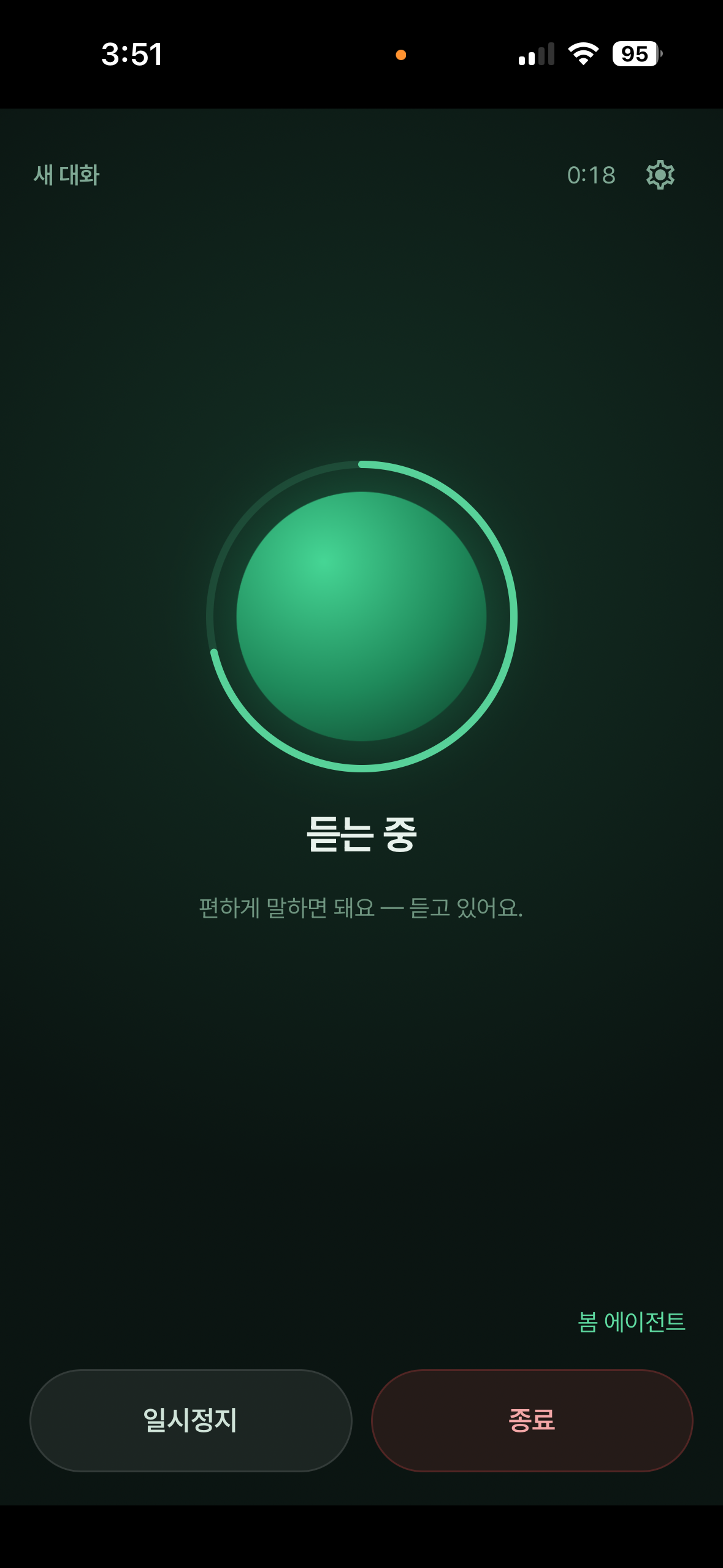
A real screen from the iPhone app. The Android app provides the same voice flow.
Say the wake name, then describe the task. You can change the name or choose to speak without one.
This is not a remote demo. Your connected Windows or macOS PC works with its files and apps.
Ask, 'How far have you got?' and Bom gives a short update based on the current work.
Say 'cancel' or tap Cancel Job to stop the job started by the current voice session.
When the job finishes, Bom reads a short summary of what it made and what to check.
If the voice session is still active, coming back to the app restores the room and its current state.
Voice mode is available only in the Bom apps for Android and iPhone.
Your connected Windows or macOS PC must be on, online, and running Bom Agent.
Pause stops listening and spoken feedback only. A PC job that already started keeps running.
Ending voice mode does not cancel a running PC job. Use Cancel Job when you want the work itself to stop.
Install Bom Agent on your computer, connect the mobile app, and start voice mode.
Get Bom Agent free