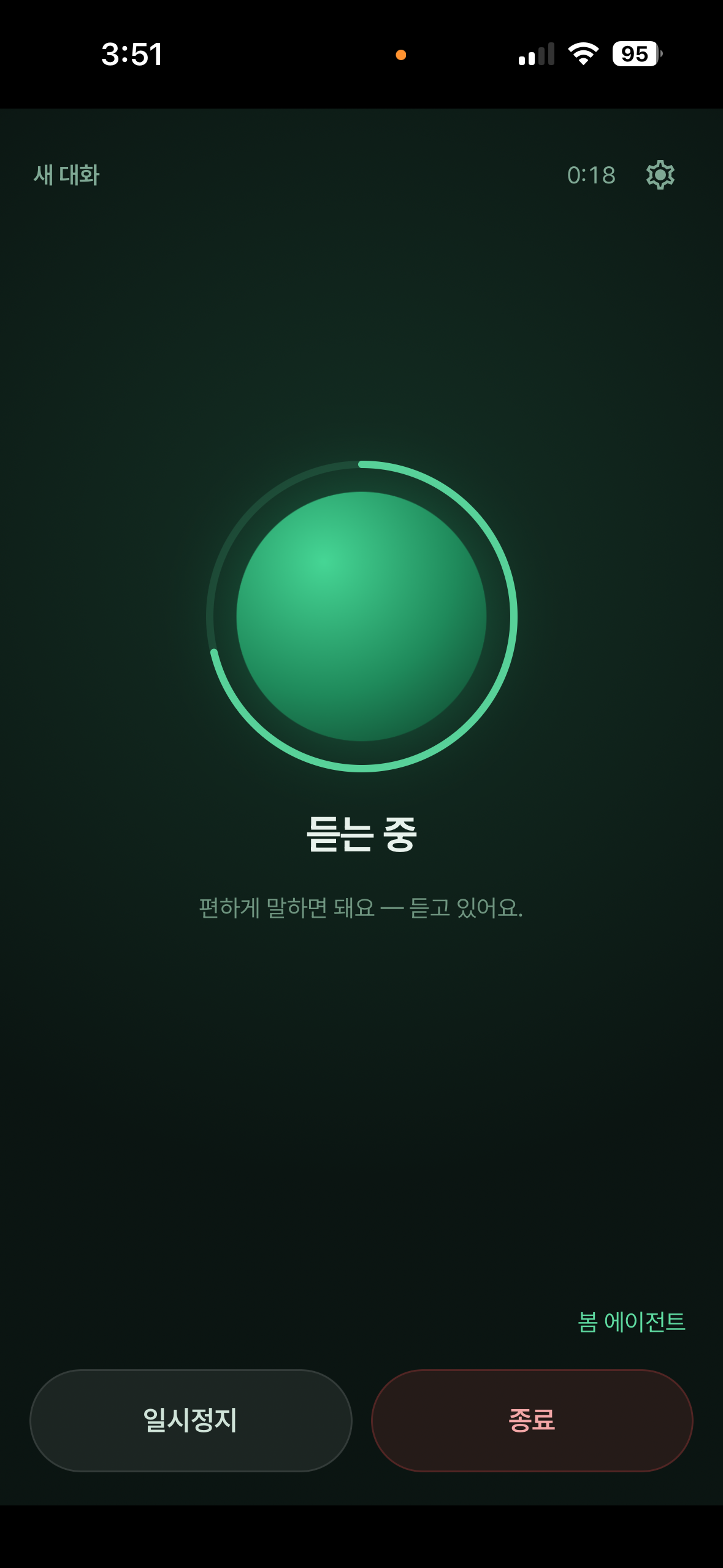








Say what you need while you are away from your desk. Bom Agent uses your connected PC to research, create documents, and work in websites and apps. Follow progress on your phone and ask for an update at any time.
A real screen from the Bom mobile app. Voice mode is available on Android and iPhone.
Start by voice, ask for an update, and cancel when you need to.
Say it to your phone and your PC can start before you get back.
Bom searches the web, pulls out the essentials, and saves a usable file.
Create Word, HWP, PDF, and presentation files in your working format.
Bom clicks and types on the signed-in PC to complete the real task.
Hand off longer jobs such as video editing and spreadsheet cleanup.
Ask, “How far have you got?” and hear a short status update.
Install Bom Agent on Windows or macOS and pair it with the mobile app.
Say the wake name and the job. Your connected PC starts working right away.
Ask for status, cancel the active job, and hear a short summary when it finishes.
We map your repeated work and can build and set it up so staff can run it by voice or with one tap. The consultation is free.
Talk to our business teamKeep the request short. Your connected PC handles the execution.
Bom checks the table, validates the numbers, and creates a report file.
Bom finds web sources and summarizes the important differences.
Bom organizes the story and creates an actual PowerPoint file.
Bom uses the video editor on your PC and saves the finished file.
The Bom Agent app also includes:
Start work, ask for progress, and cancel by voice
Learn more →Save a successful workflow on your PC and reuse it
Learn more →Runs on schedule, even while you sleep
Learn more →Timeline editing by chat
Learn more →Logs in and works sites like a person
Learn more →PPT, Word, HWP, PDF generation
Learn more →Bom Agent for PC is free. Install it on Windows or macOS, then start voice mode in the mobile app.
Bom Agent and voice control are free. Claude or Codex runs through the account you connect. Custom business automation and setup are quoted separately.
You need the Bom app on Android or iPhone and an online Windows or macOS PC with Bom Agent running. Voice mode is available only in the Bom mobile app.
Android or iPhone's built-in speech service turns microphone audio into text, and Bom receives the recognized sentence. Work files and sign-in data stay on the PC; only attachments you explicitly send use temporary server storage.
You can ask for progress and say “cancel” or tap Cancel Job to stop the job started by the current voice session. Pause stops voice listening only; the PC job keeps running.